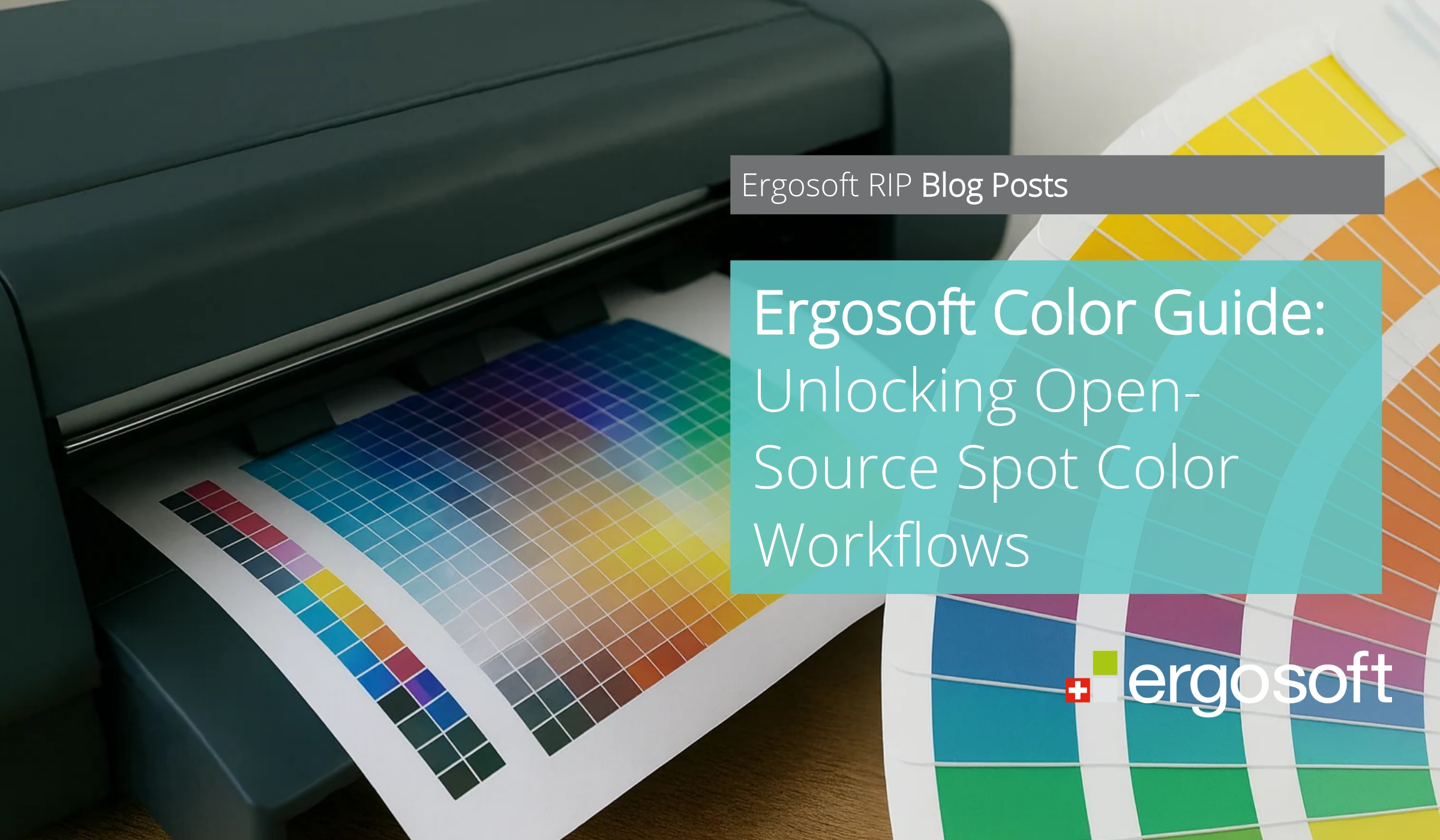
Color consistency is one of the most persistent challenges in digital print production. The Ergosoft Color Guide provides a practical, open approach to managing spot colors while maintaining control, flexibility, and reliability across workflows.
Key Takeaways
- Open-source color system with full customization freedom
- Reliable bridge between design intent and printed output
- Easy entry into spot color workflows with minimal setup
- Scalable solution across printers, substrates, and workflows
- Strong branding opportunities through custom color libraries
What Is A Ergosoft Color Guide?
Ergosoft Color Guide is a versatile resource designed to bridge the gap between design expectation and printed reality. Included free of charge with your Ergosoft RIP license, the Color Guide is an open-source color system you can fully customize, share, and build into your workflows. Whether you're adopting a spot color process for the first time or expanding your existing color toolkit, Ergosoft Color Guide is a ready-made resource that can open new doors of opportunity.
Ergosoft Color Guide is an open-source Lab color system included by default in your Ergosoft RIP. You'll find it in the Swatchbooks module, ready to use out of the box. Unlike proprietary color systems, Ergosoft Color Guide is completely unrestricted. You can change color names, add or remove swatches, and share it freely across your organization or customer base. While the library structure is fully flexible, the defined color values act as a consistent reference across your production environment.
Closing the Gap Between Design and Print
Every color system has a single purpose: to create a reliable link between what a designer sees on screen and what you produce on fabric or media. The Ergosoft Color Guide uses Lab values as its reference, converting them through the RIP into precise CMYK or extended inkset values. Designers can select your colors in their design software knowing those colors will print consistently and predictably.
For shops managing multiple printers, inksets, or substrates, this workflow provides a simple, controlled, and scalable way to deliver accurate color results.
Lowering the Barriers to Spot Color Workflow
If your shop isn't currently using spot colors, Ergosoft Color Guide offers an easy way to get started. Once your printer is linearized and profiled, you can:
- Open the Swatchbooks module and select Ergosoft Color Guide (default option).
- Customize the library if needed: add, remove, or rename colors.
- Open the Named Colors Module and import the Color Guide.*
- Ergosoft automatically converts Lab values to the active print environment. Congratulations, you're ready to print!
Within minutes, your team can be printing precise, controlled colors with zero licensing costs and minimal setup.
*Note: To further optimize printed color results, Ergosoft recommends using Named Colors, where individual colors can be precisely adjusted directly within the printer's native color space (Print Environment) using features like Print Similar Colors. This approach preserves the original Lab reference values while allowing controlled fine-tuning of output.
Branding, Open Source, and Real-World Value
In a competitive market, standing out matters. One of the most powerful ways to reinforce your brand is by customizing your color library. Rename Ergosoft Color Guide to reflect your company identity and use unique or thematic color names to create a memorable experience for customers. This reinforces your shop's branding not only on printed samples but also inside their design software.
What makes Ergosoft Color Guide truly unique is its open-source nature. You can share the color library freely, offer it as a downloadable resource, and integrate it directly into your onboarding workflows. This closes the loop between design and production, improving turnaround and strengthening customer confidence.
Physical swatchbooks further enhance this experience. Presenting printed colors on actual materials helps customers make confident decisions faster while building trust in your output quality.
Frequently Asked Questions
1. What makes Ergosoft Color Guide different from other color systems?
It is open source, meaning there are no licensing restrictions and full customization is possible.
2. Do I need prior experience with spot colors to use it?
No. It is designed as an easy entry point for new users while still supporting advanced workflows.
3. Can I use it across multiple printers and substrates?
Yes. The Lab-based system ensures consistent results across different environments.
4. Can I share the color library with customers?
Yes. The open nature allows you to distribute and integrate it into customer workflows.
5. Is it included in Ergosoft RIP?
Yes. It is available by default within the Swatchbooks module. The original and latest version can always be downloaded from the Ergosoft User Area.